GoTo
District phone system on your mobile phone
ULUSD uses GoTo for our district phone system. To use your mobile device to make/receive calls, check voicemail, and change user settings, please see instructions below.

How do I download and install the GoTo app?
iOS
System Requirements: iOS 12.0 / iPad OS 12.0
- Download GoTo mobile app for iOS.
- Select Sign in and then input your ULUSD email address. You may have to set up an account (or use the forgot password option)
- Use the Sign in with Google option if available.
Android
System Requirements: Android 8.0 or newer. Unauthorised .apk installations via 3rd party stores are not supported.
- Download GoTo mobile app for Android.
- Select Sign in and then input your ULUSD email address. You may have to set up an account (or use the forgot password option)
- Use the Sign in with Google option if available.
ULUSD phone system (GoTo)
The Olde Standard - tips for getting the most out of your district desk phone

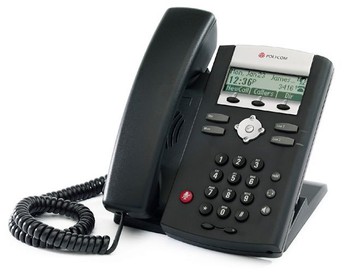
-----TheBASICS-----Phone handset -- quick reference guides


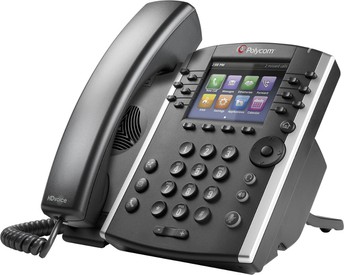
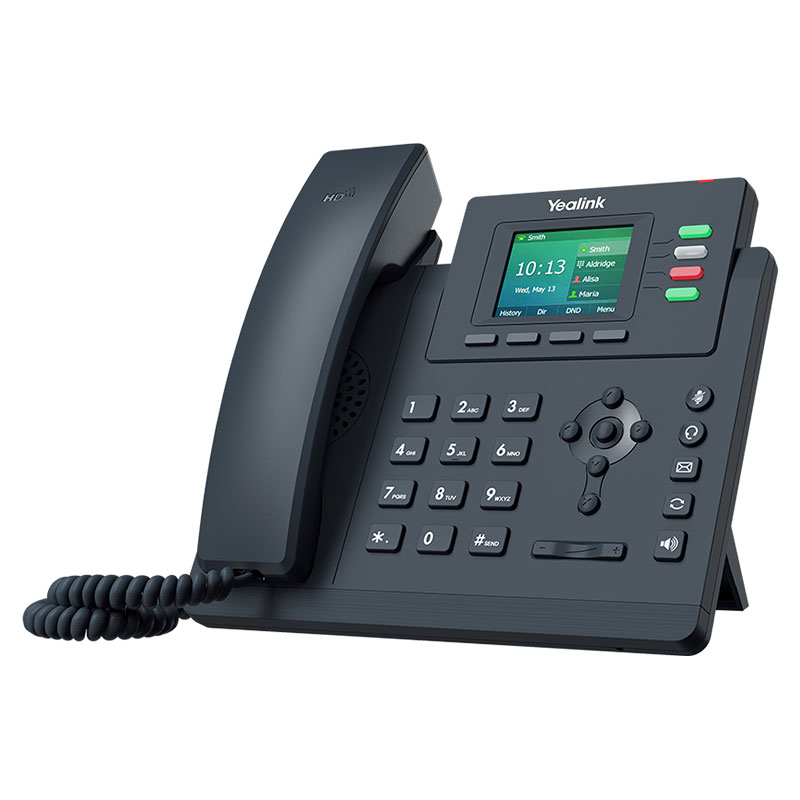
Skip the voicemail!
To do this, you will need to log into your personal GoTo portal (https://app.goto.com/). GoTo is the name of our phone system (previously GoToConnect, previously LogMeIn, previously Jive, previously...)
If you have never previously logged into this site, you will need to use the "forgot password" link to generate a new password. Use your district email address.
Yes, there is an app for that
Once downloaded, the login process is the same as mentioned in the previous tip. Here are some of the features that can be accessed:

Set up voicemail options
- Log in to the Goto website (app.goto.com). You may need to create an account if this is your first time visiting. Login with Google allowed.
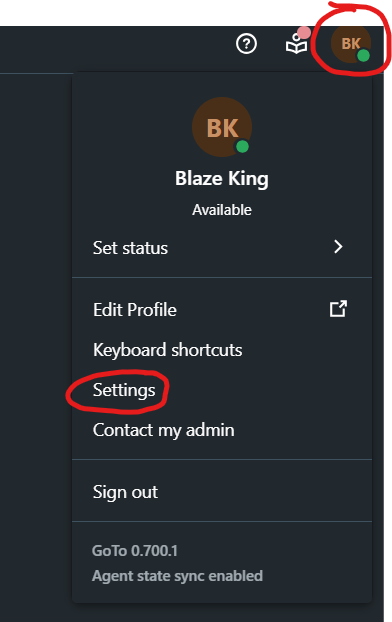
- Go to Settings (found by clicking your initials in the top right). Direct link to Settings: https://app.goto.com/shell-settings/voice/voicemail

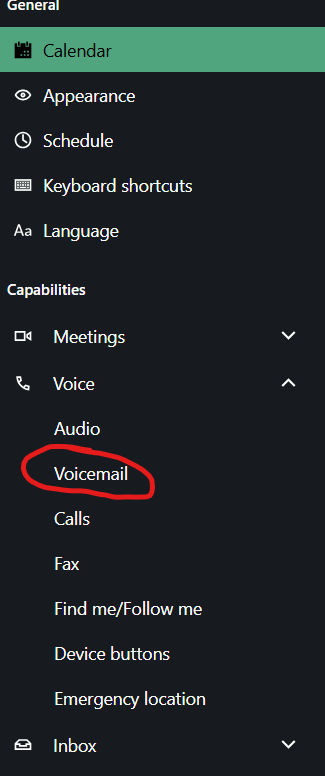
- Select Voicemail (under Voice):

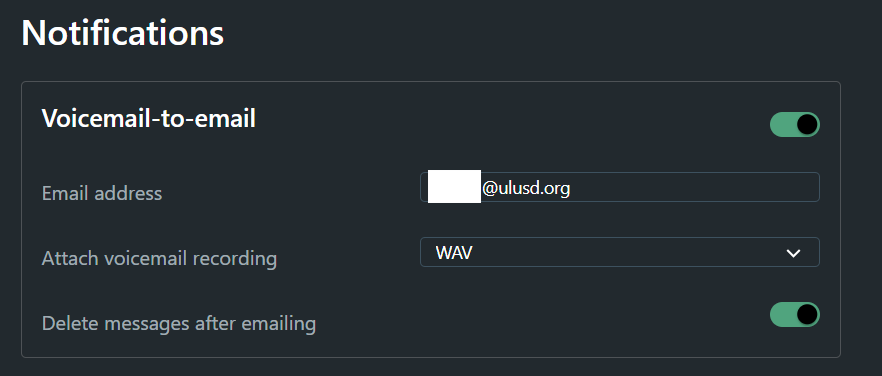
- Change your desired options. If you want to receive voicemails as emails with attachments, configure the following settings (make sure to use your own email address):