Newsletter Tech Tips
- Tech Tip Tuesday (August 5, 2025)
- Tech Tip Tuesday (October 7, 2025)
- Tech Tip Tuesday (October 7, 202)
- Tech Tip Tuesday (October 14, 2025)
- Tech Tip Tuesday (October 21, 2025)
- Tech Tip Tuesday (October 28, 2025)
- Tech Tip Tuesday (March 3, 2026)
Tech Tip Tuesday (August 5, 2025)

It's that time again...
~~ Get some help! ~~

Method #1 (PREFERRED): Log into the ULUSD IT Helpdesk with your ULUSD Google account. To access the website, click HERE. Click the "Login" button, and choose the Google button to sign in with your ULUSD Google account. Once signed in, click "New Support Ticket". You can also view your previously submitted tickets, and review solutions to common problems.
Method #2: Download the iOS or Android ULUSD IT Helpdesk app for your mobile phone
Method #3: To submit a new IT request via email, simply send an email to support@ulusd.org. Remember to include the problem description and anything else needed to resolve the issue!
Want more?
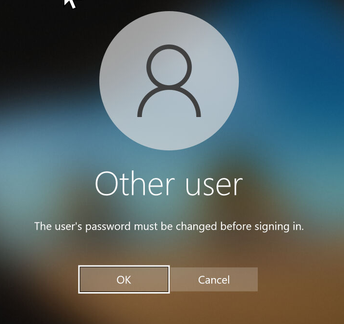
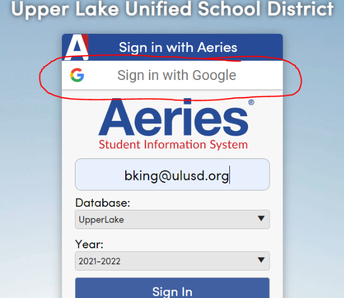
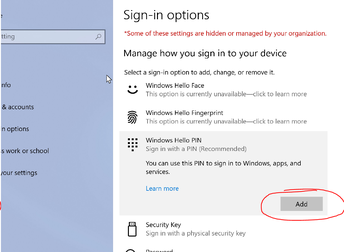
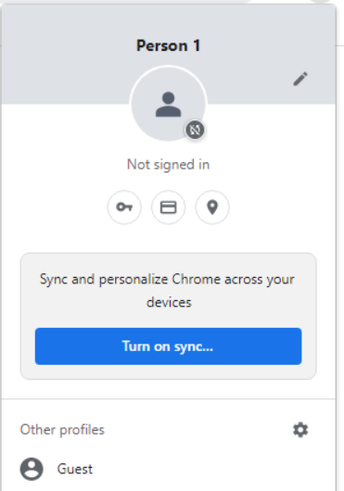
 |
Blaze KingDirector of Information and Instructional Technology
Email: bking@ulusd.org |
Tech Tip Tuesday (October 7, 2025)
October is National Cyber Security Awareness Month
In the never-ending battle against cyber villains, you are on the front lines!

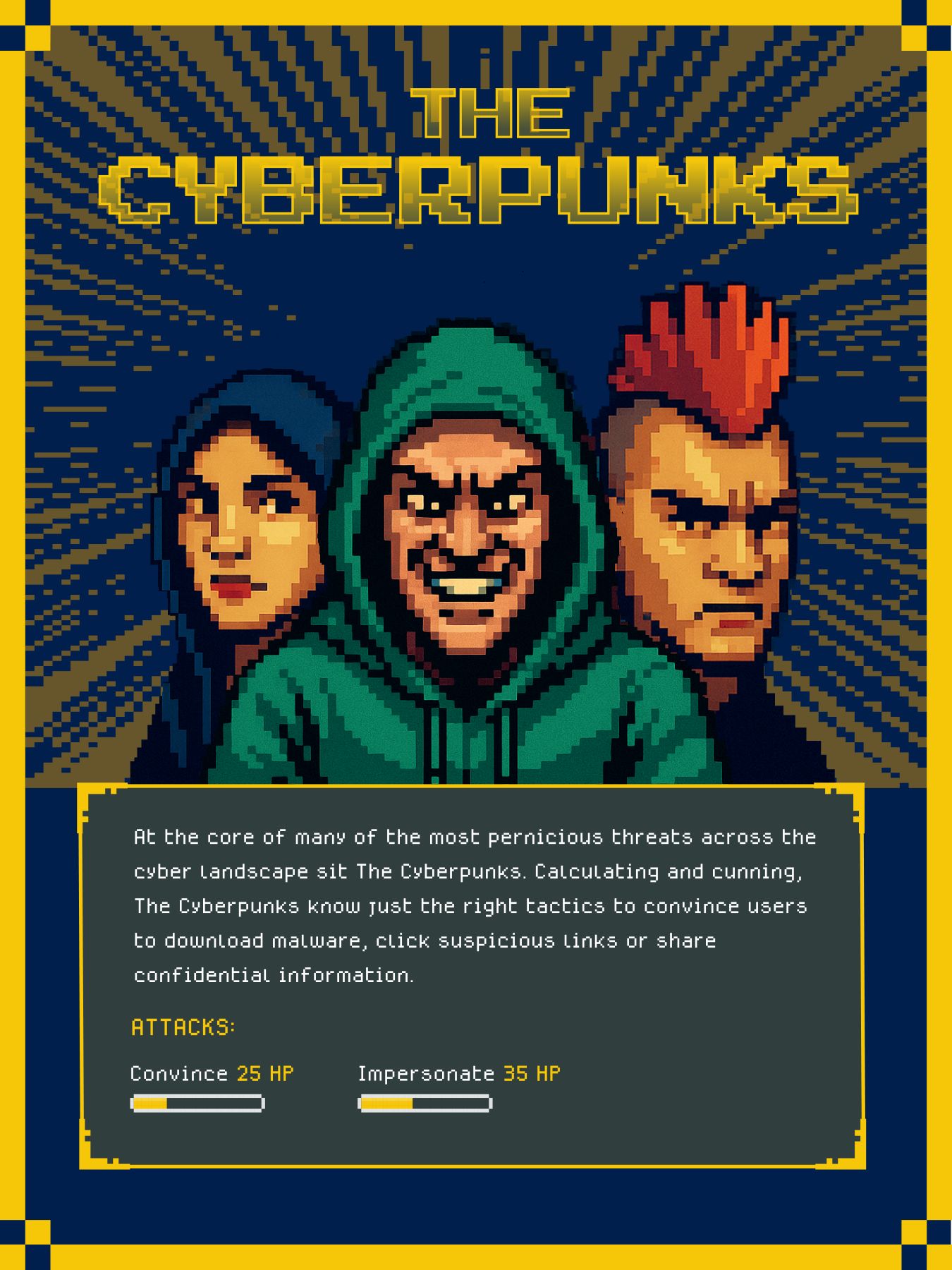 |
Watch out for the CYBERPUNKS!
Social engineering is one of the most common ways cyber villains break into computer networks to cause havoc and destruction.
If you have any questions, feel free to reach out to bking@ulusd.org.
|
|
Blaze KingDirector of Information Technology
Email: bking@ulusd.org |
Tech Tip Tuesday (October 7, 202)
October is National Cyber Security Awareness Month
In the never-ending battle against cyber villains, you are on the front lines!
|
Watch out for the CYBERPUNKS!
Social engineering is one of the most common ways cyber villains break into computer networks to cause havoc and destruction.
If you have any questions, feel free to reach out to bking@ulusd.org.
|
|
Blaze KingDirector of Information Technology
Email: bking@ulusd.org |
Tech Tip Tuesday (October 14, 2025)
October is National Cyber Security Awareness Month
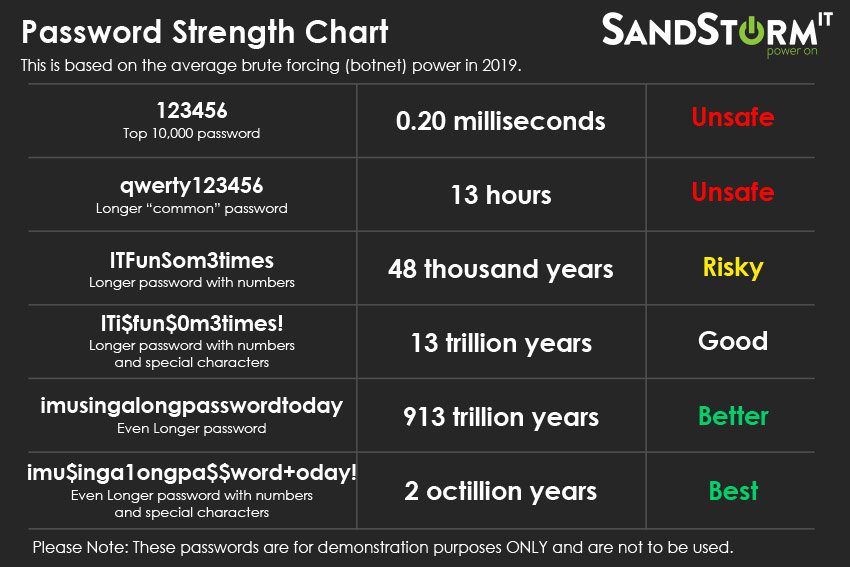
Passwords? That's so last year. No, let's try a passphrase.
|
|
END OF THE PASSWORD
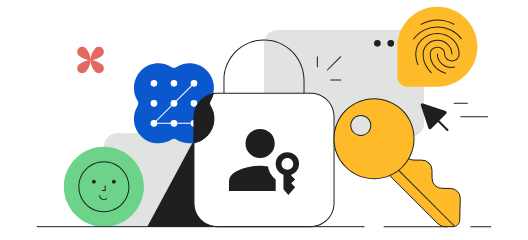
A passkey is a secure, passwordless way to sign in to Google.
|
|
Blaze KingDirector of Information Technology
Email: bking@ulusd.org |
Tech Tip Tuesday (October 21, 2025)
October is National Cyber Security Awareness Month
AI Can Fake It. You Don’t Have To Fall For It!
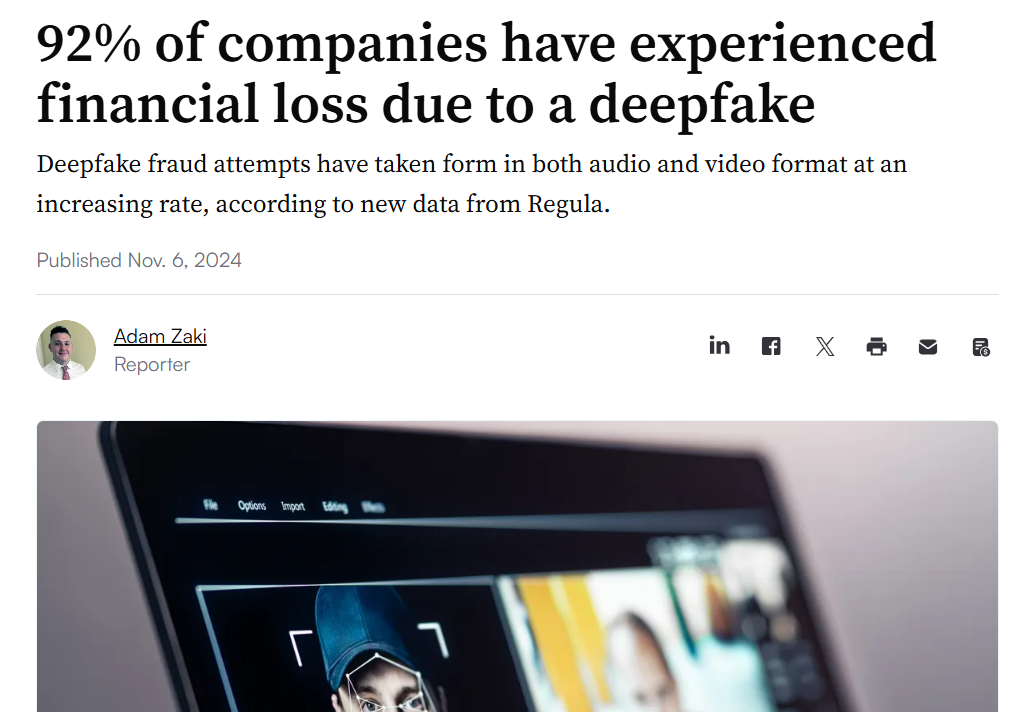
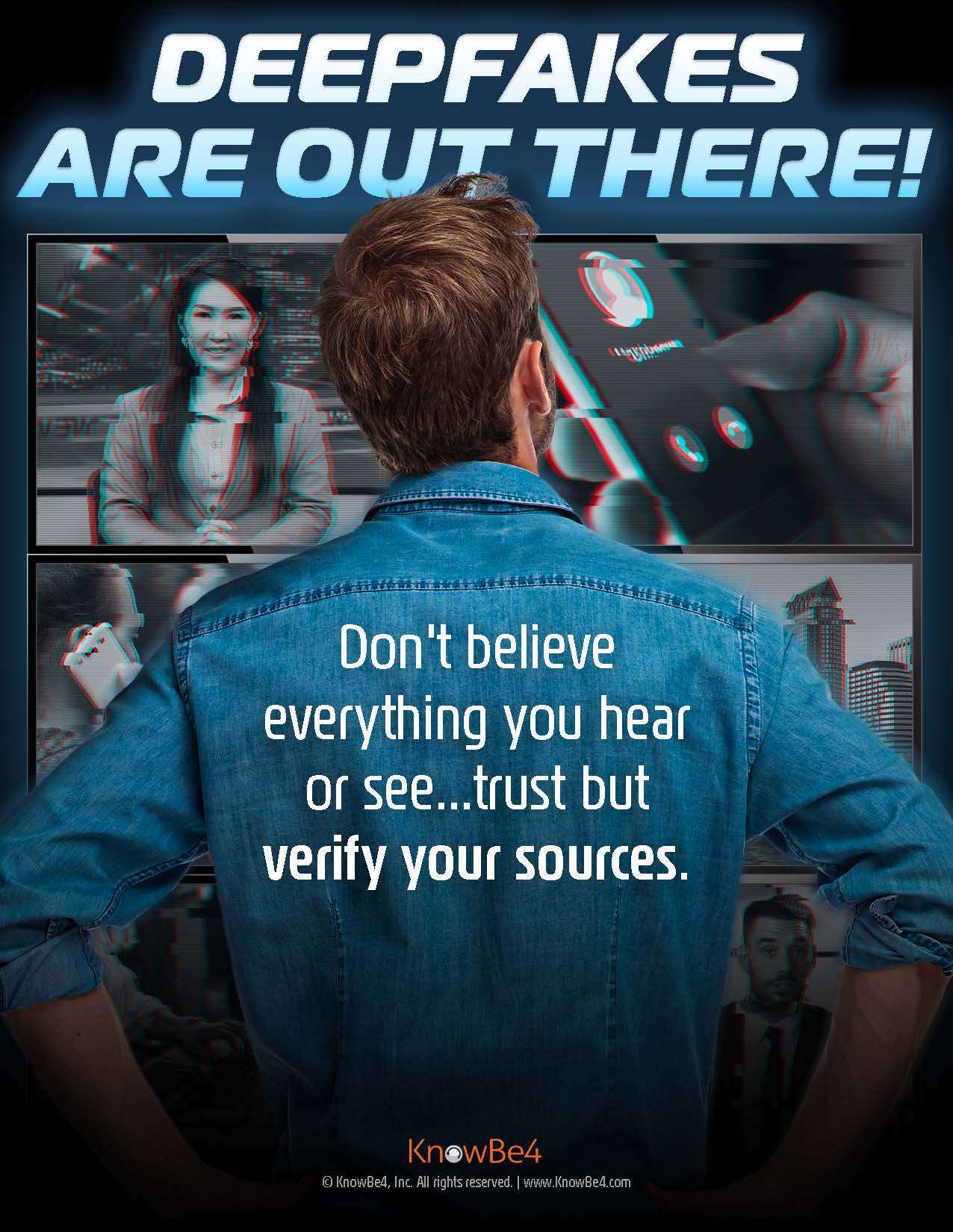
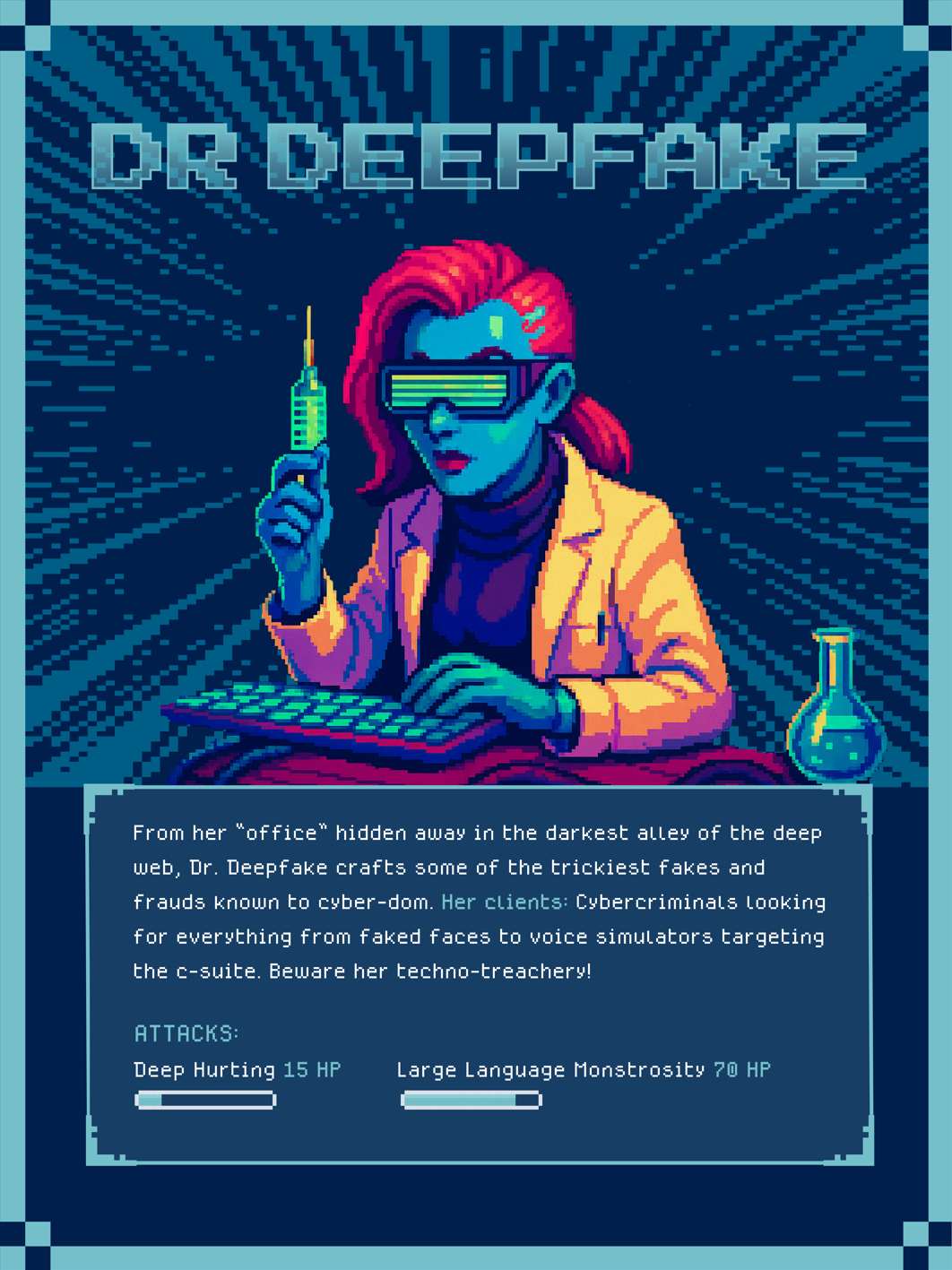
Meet Dr. Deepfake — Master of Digital Deception
From the dark corners of the internet comes Dr. Deepfake, a cyber trickster who uses artificial intelligence to create fake videos, photos, and voices that look and sound real. Her tools can imitate anyone! Teachers, principals, celebrities, CEOs... no one is safe! She tricks people into believing what isn’t true.
Dr. Deepfake’s goal? To steal trust. She can make a video of someone saying things they never said or create a fake voicemail asking you to send money, reset a password, or share confidential information.
|
|
How to Outsmart Dr. Deepfake
|
|
Blaze KingDirector of Information Technology
Email: bking@ulusd.org |
Tech Tip Tuesday (October 28, 2025)
October is National Cyber Security Awareness Month
The Final Boss: Social Engineering
(The art of manipulating or deceiving you into taking an action or divulging sensitive information.)
Watch out for these three types:
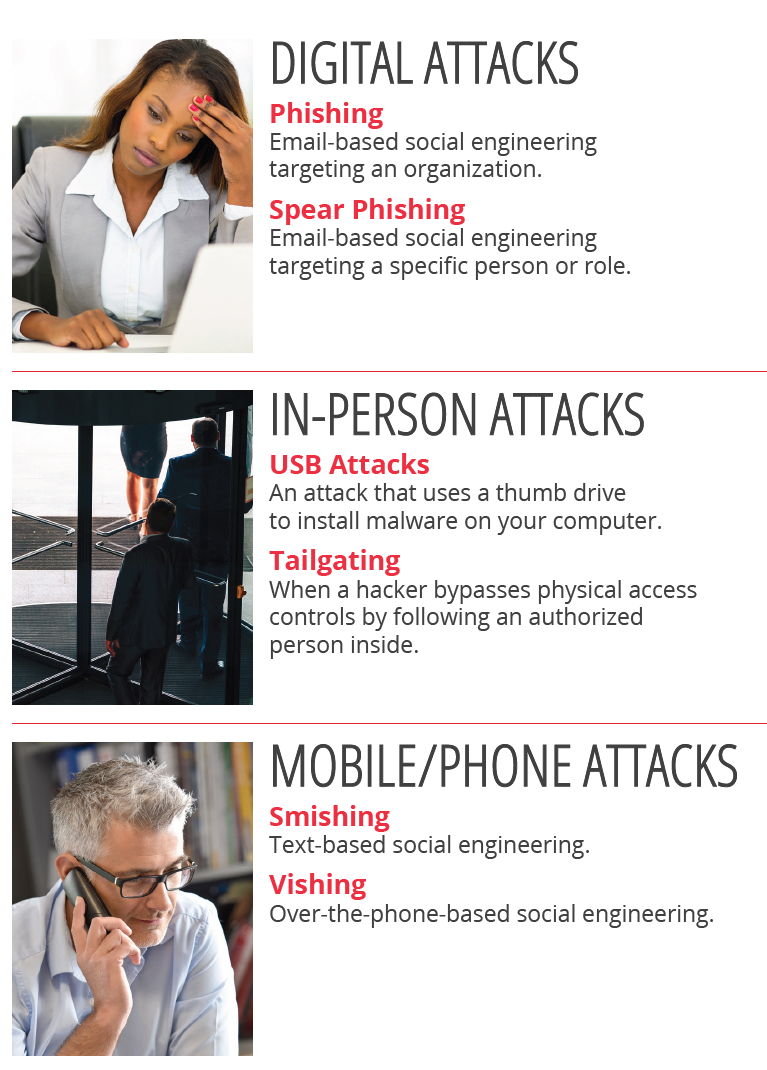
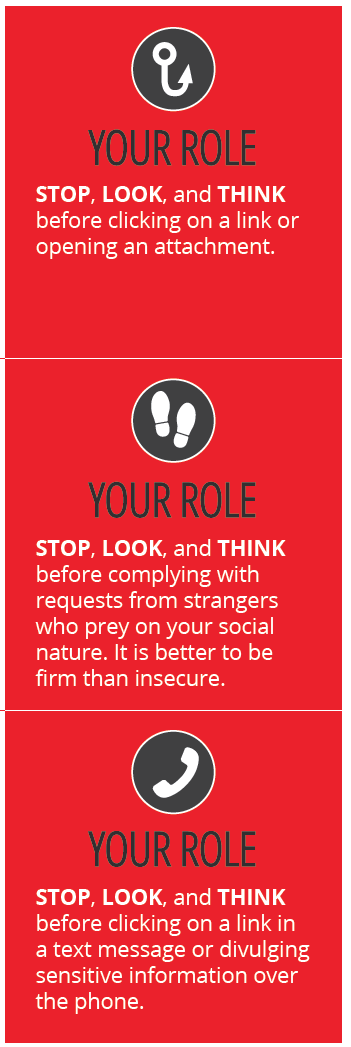
The Doppelgänger and the Art of Social Engineering
Meet The Doppelgänger! This is a cyber trickster who doesn’t hack computers. He hacks people. Through emails, texts, phone calls, or even face-to-face conversations, social engineers use trust, fear, and urgency to trick you into giving up passwords, clicking links, or letting them in the door.
They might impersonate a coworker, a vendor, or even IT support — anything to make you act fast and skip thinking.
|
|
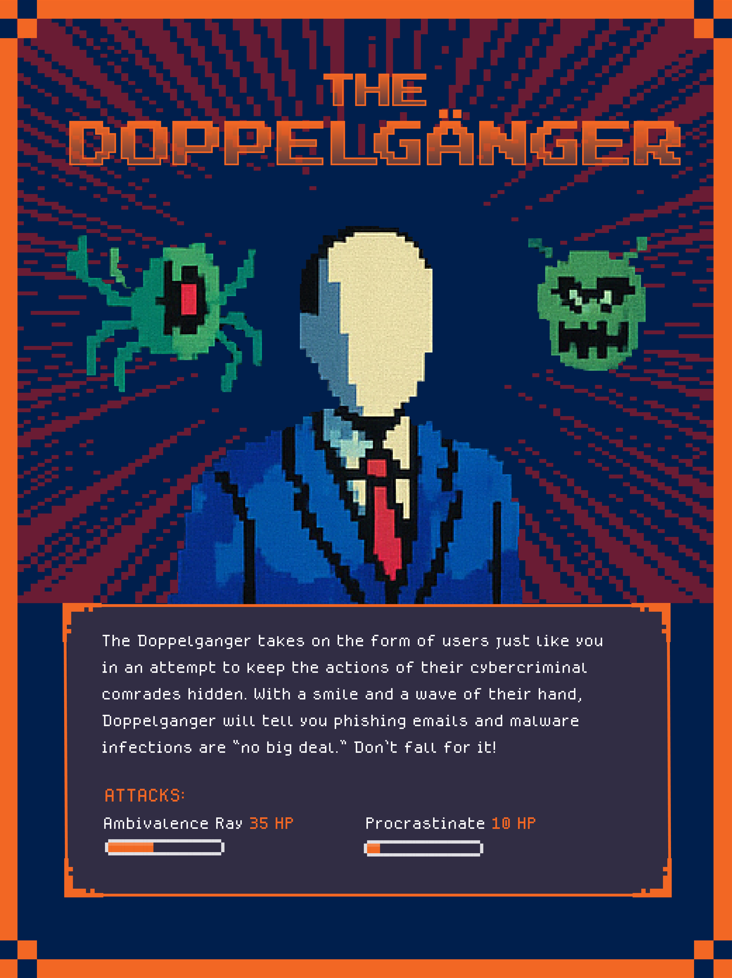
How to Outsmart the Doppelgänger
|
|
Blaze KingDirector of Information Technology
Email: bking@ulusd.org |
Tech Tip Tuesday (March 3, 2026)
🛡️ Safety Beyond the Inbox! 🛡️
Yes, we've had phishing. But what about second phishing?
While we’re all getting better at spotting "phishy" emails, scammers have moved into the physical world. From QR codes to "lost" USB drives, they are finding new ways to bypass our digital filters.
Smishing:That urgent text about a "missed delivery" or a "payroll issue" is often a scam designed to steal your passwords on your mobile device -- or your BANK ACCOUNT INFO! |
|
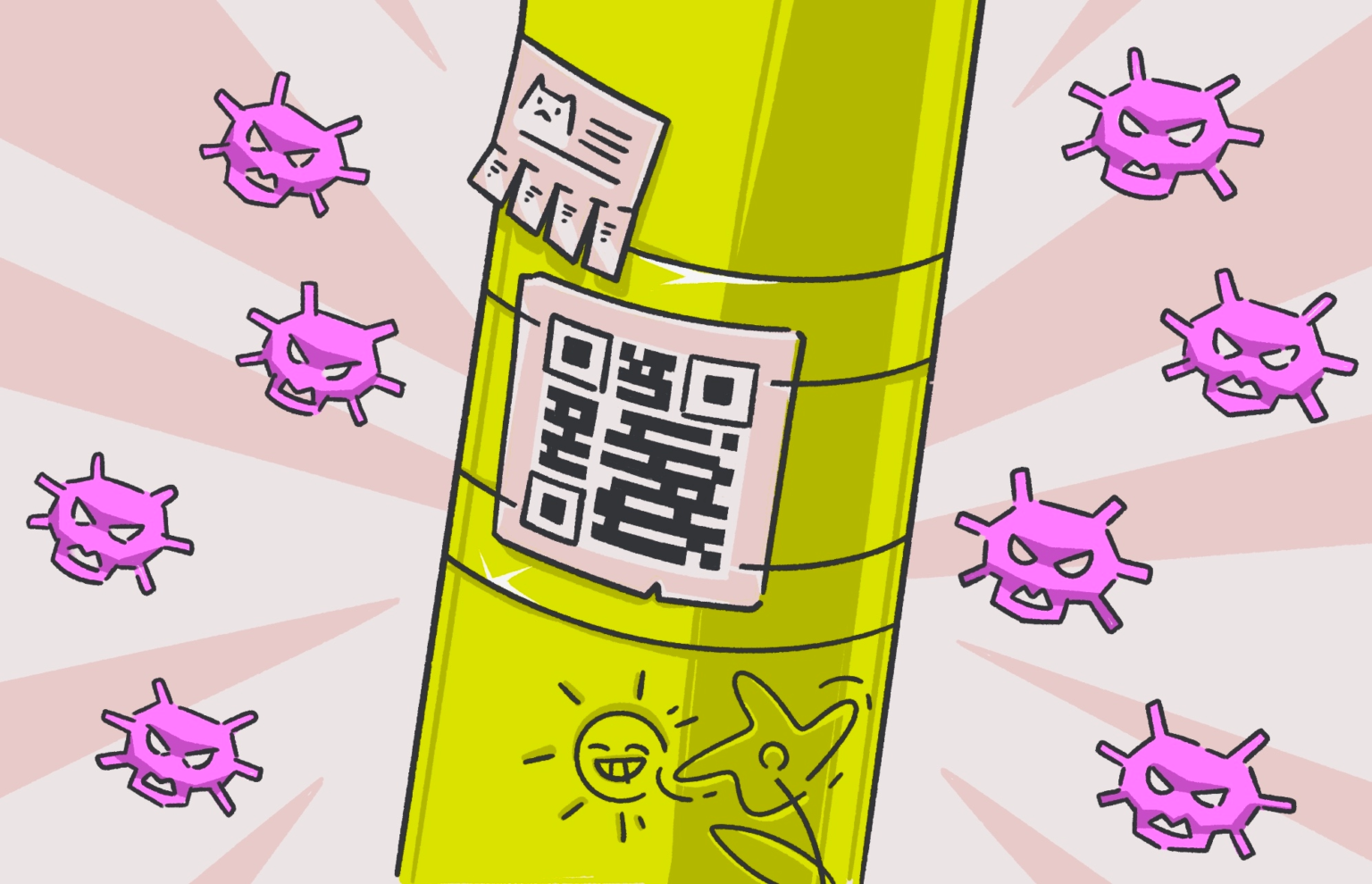
Quishing (QR code Phishing):Scammers place fake QR code stickers over real ones on posters, parking meters, or even menus to lead you to fake login pages.You wouldn't click on a phishing link in an email, right? So why "click" on one in real life? |
|
|
|
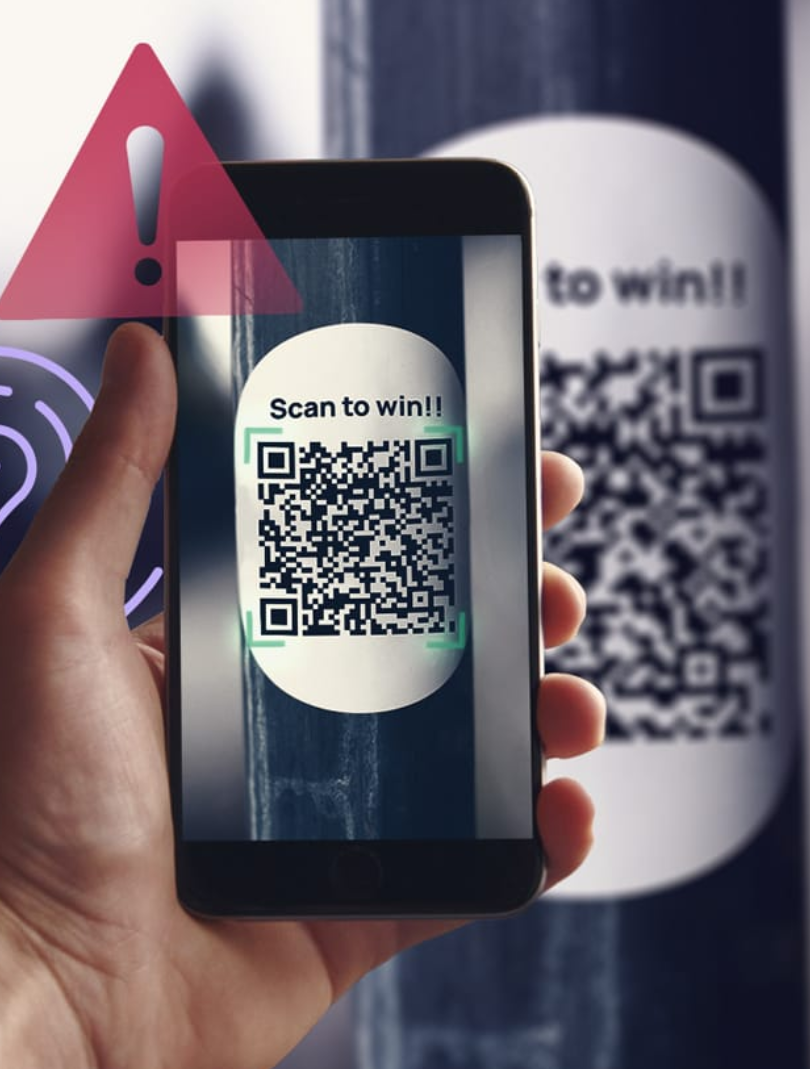
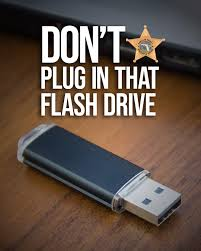
Resourceful Hacker -- Master of Physical Deception 🎭
The Resourceful Hacker doesn't need to hack your firewall; they just need to hack your curiosity. By leaving a "lost" USB drive in the parking lot or a helpful-looking QR code sticker on a breakroom table, they wait for you to take the bait.
They rely on the fact that teachers and staff are naturally helpful. Once you plug in that mystery drive to "find the owner" or scan that code to "see the staff discount," The Mimic bypasses district security and gains instant access to sensitive student or staff data.
Their Goal: To catch you off guard when you are away from your computer and feeling helpful, curious, or in a hurry.
 |
Context is Everything
Ask yourself: Does it make sense for this to be a QR code?
* The Red Flag * A random flyer on a telephone pole or a "Free Gift Card" sticker on a breakroom table is almost certainly a trap.
The Rule: Only scan codes from trusted, official sources (like the back of your staff ID or a permanent school sign). |
|
Blaze KingDirector of Information Technology
Email: bking@ulusd.org |