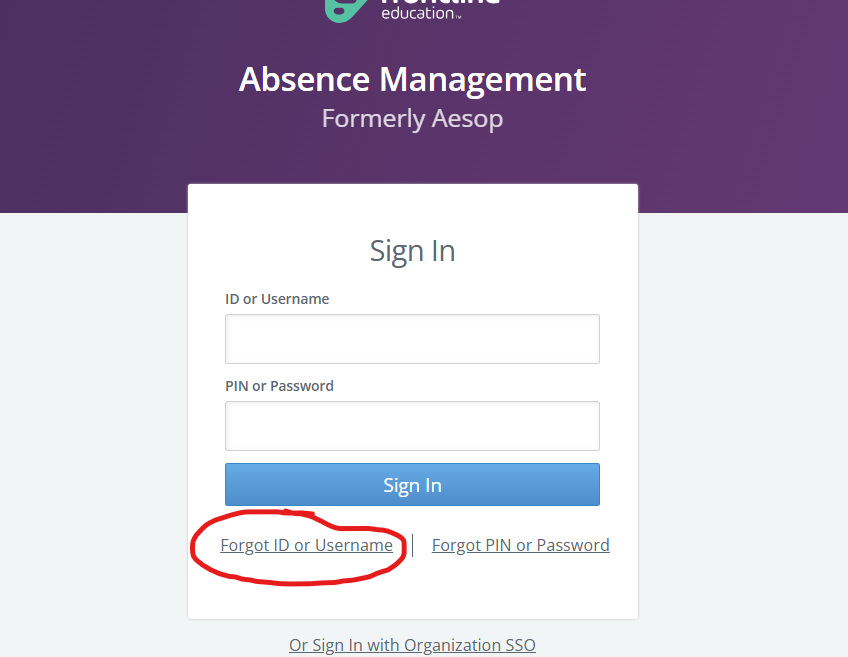
Login instructions for Frontline (Aesop)
Upper Lake Unified School District uses Frontline for absence tracking and substitute teacher assignments.
To access the system, visit the district website (ulusd.org) and access Employee Resources under the Staff menu. You will find a link to Frontline on that resources page:
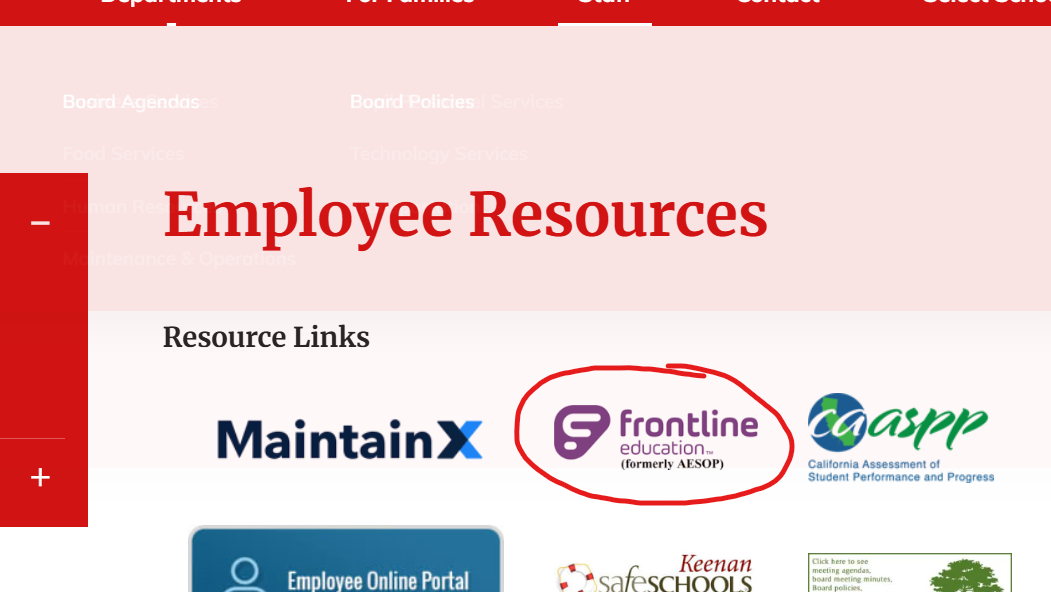
If you have not yet created an account, please check your email for the invitation to set up access. If you cannot find that email, follow these instructions:
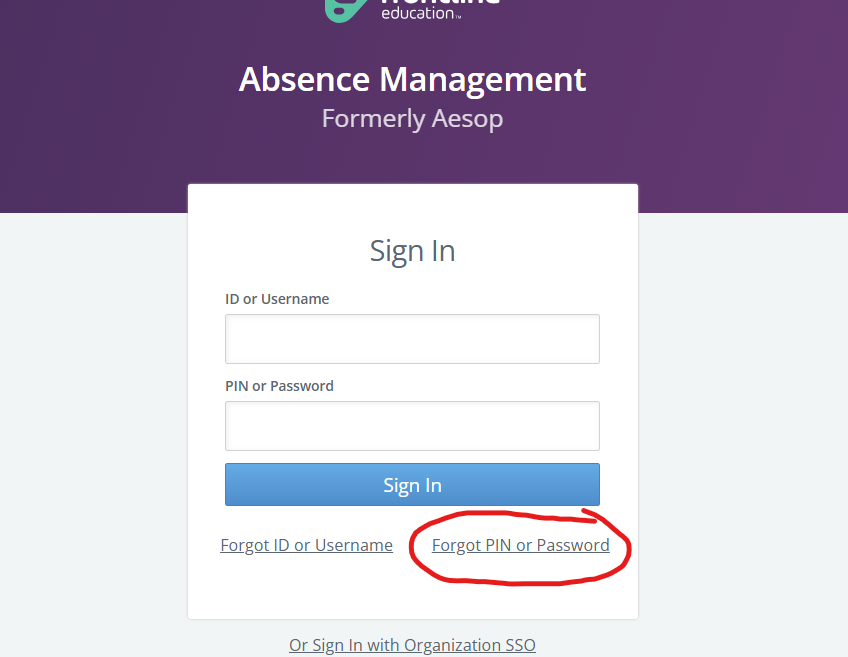
- Click "Forgot ID or Username" and enter your ULUSD email address (employees) or personal email address (substitute teachers)
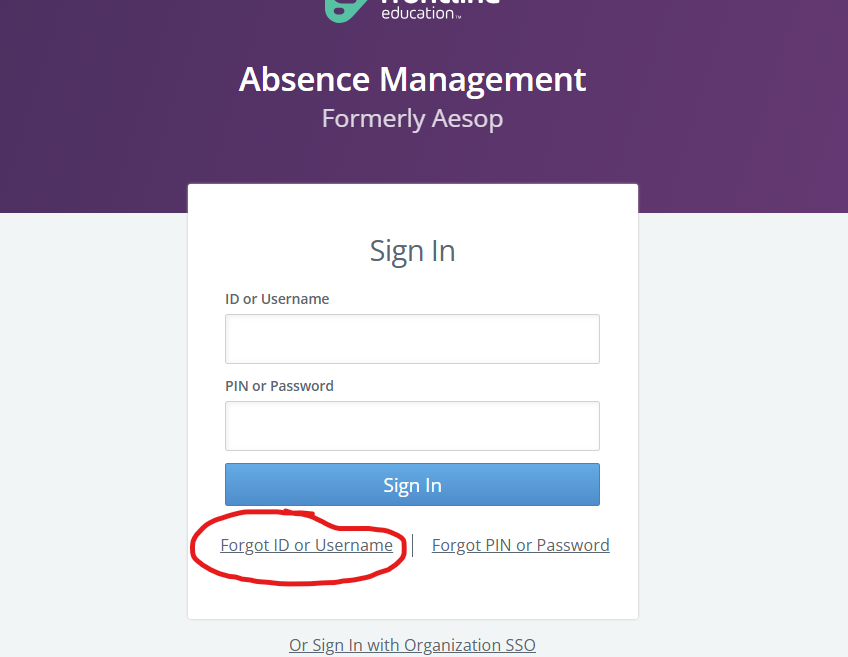
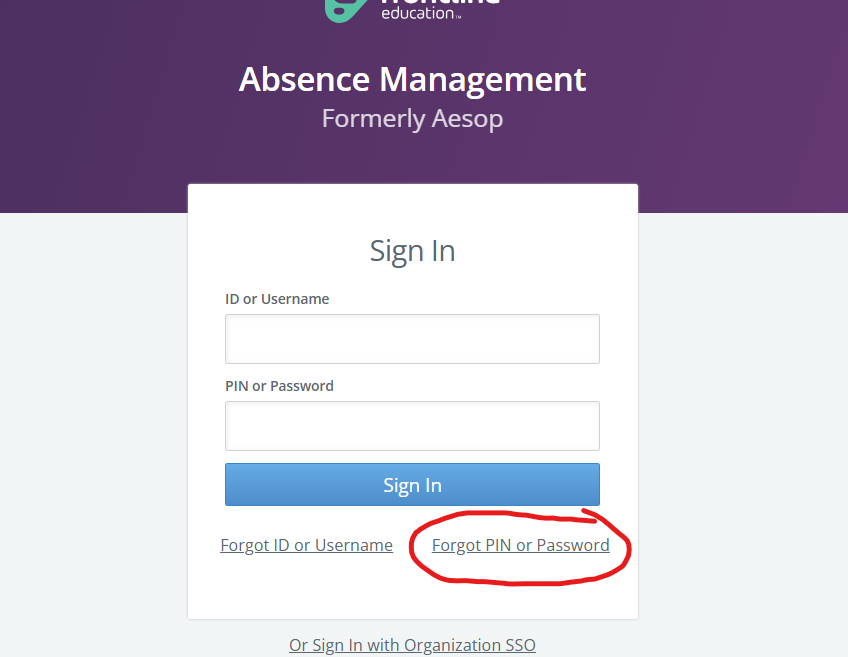
- Check your email for login details from Frontline. If you are still having trouble signing in, click the "Forgot PIN or Password" option
- Now that you have both your Frontline username and password, you should be able to log in. If you are still having trouble, please submit a ticket to the IT helpdesk: https://ulusd.org/tech or support@ulusd.org