
Tech Tip Tuesday (August 5, 2025)

It's that time again...

Getsomehelp!
Method #1: To submit a new IT request via email, simply send an email to support@ulusd.org. Remember to include the problem description and anything else needed to resolve the issue!
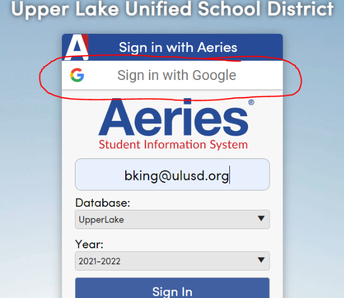
Method #2: Log into the ULUSD IT Helpdesk with your ULUSD Google account. To access the website, click HERE. Click the "Login" button, and choose the Google button to sign in with your ULUSD Google account. Once signed in, click "New Support Ticket". You can also view your previously submitted tickets, and review solutions to common problems.
HowdoI...?
Need step-by-step instructions for a specific technology process? Check out our knowledge base with helpful guides and walkthroughs. Take a look below at some of the most popular topics:
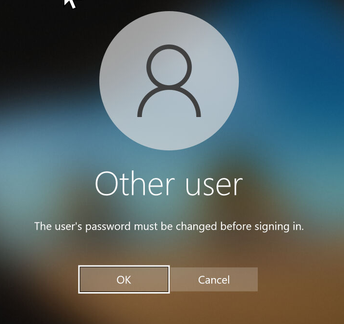
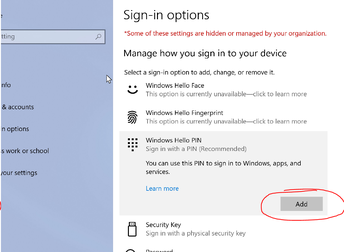
3) Simplify logging in with PIN sign-in