
Tech Tip Tuesday (March 3, 2026)
🛡️ Safety Beyond the Inbox! 🛡️
Yes, we've had phishing. But what about second phishing?
While we’re all getting better at spotting "phishy" emails, scammers have moved into the physical world. From QR codes to "lost" USB drives, they are finding new ways to bypass our digital filters.
Smishing:That urgent text about a "missed delivery" or a "payroll issue" is often a scam designed to steal your passwords on your mobile device -- or your BANK ACCOUNT INFO! |
|
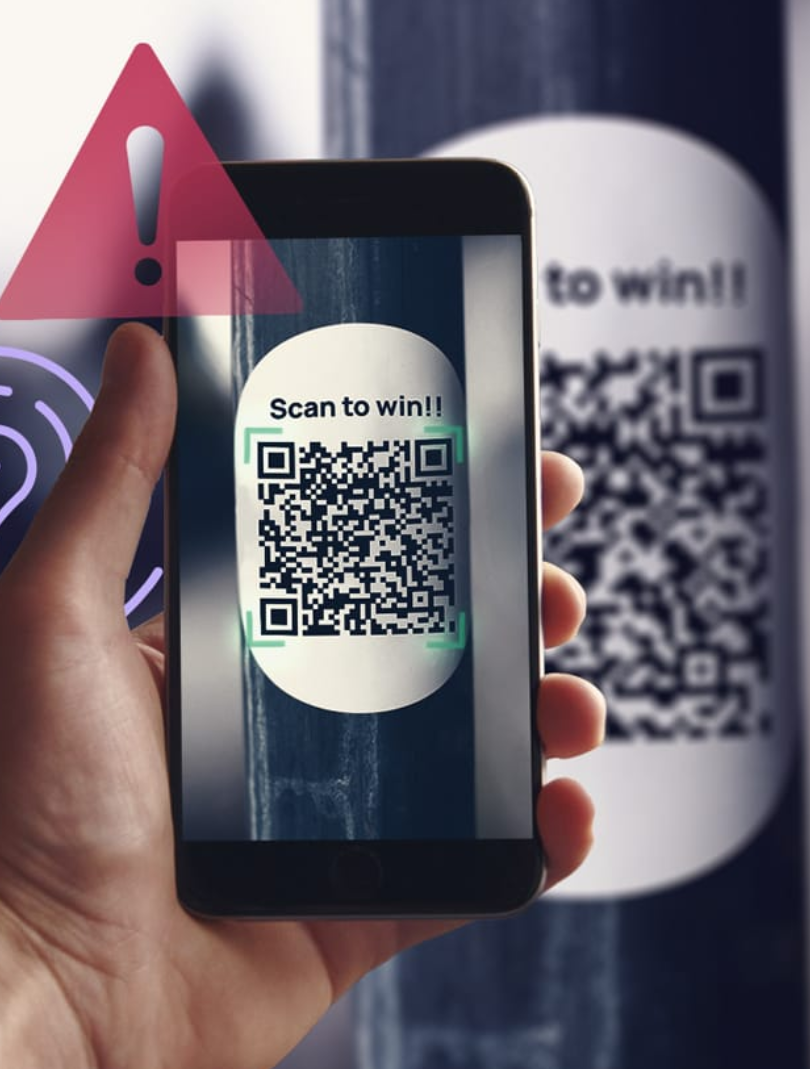
Quishing (QR code Phishing):Scammers place fake QR code stickers over real ones on posters, parking meters, or even menus to lead you to fake login pages.You wouldn't click on a phishing link in an email, right? So why "click" on one in real life? |
|
|
|
Meet "The Mimic" — Master of Physical Deception 🎭
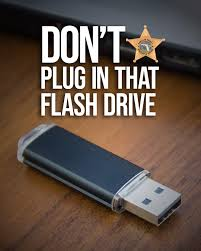
The Mimic doesn't need to hack your firewall; they just need to hack your curiosity. By leaving a "lost" USB drive in the parking lot or a helpful-looking QR code sticker on a breakroom table, they wait for you to take the bait.
They rely on the fact that teachers and staff are naturally helpful. Once you plug in that mystery drive to "find the owner" or scan that code to "see the staff discount," The Mimic bypasses district security and gains instant access to sensitive student or staff data.
Their Goal: To catch you off guard when you are away from your computer and feeling helpful, curious, or in a hurry.
The "Mimic" 3-Second Safety Check 🛑
Before you scan or plug anything in, run through these three quick questions to see if The Mimic is trying to hook you:
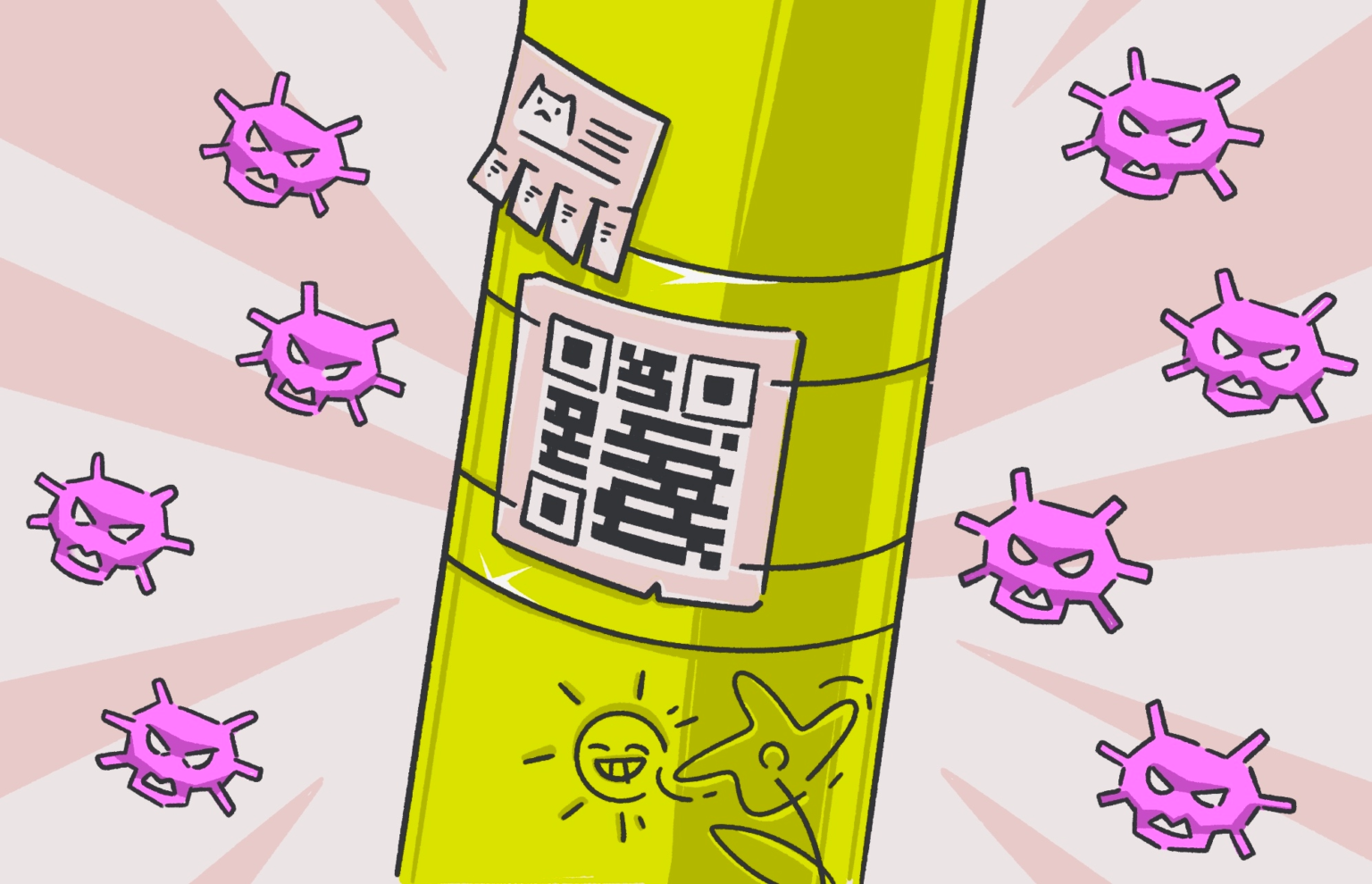
1. Is it a "Layer"? Look closely at the QR code. Is it printed directly on the poster, or is it a sticker slapped over the original? If it feels like a "top layer," do not scan it. |
2. Does the "Preview" match? When you hover your camera over a QR code, your phone shows a URL preview. If the link is a bunch of random gibberish or a "shortener" (like |
3. Is it "Unattended"? A USB drive sitting on a cafeteria table or a QR code on a random telephone pole is a red flag. If it’s not physically attached to a trusted source, leave it alone. |
 |
Context is Everything
Ask yourself: Does it make sense for this to be a QR code?
* The Red Flag * A random flyer on a telephone pole or a "Free Gift Card" sticker on a breakroom table is almost certainly a trap.
The Rule: Only scan codes from trusted, official sources (like the back of your staff ID or a permanent school sign). |
 |
Blaze KingDirector of Information Technology
Email: bking@ulusd.org |