Tech Tip Tuesday (October 21, 2025)

Screenshot 2025-10-06 082403.png

October is National Cyber Security Awareness Month


Passwords?AI That'sCan soFake lastIt. year.You No,Don’t let'sHave tryTo aFall passphrase.For It!

What’s

Happening

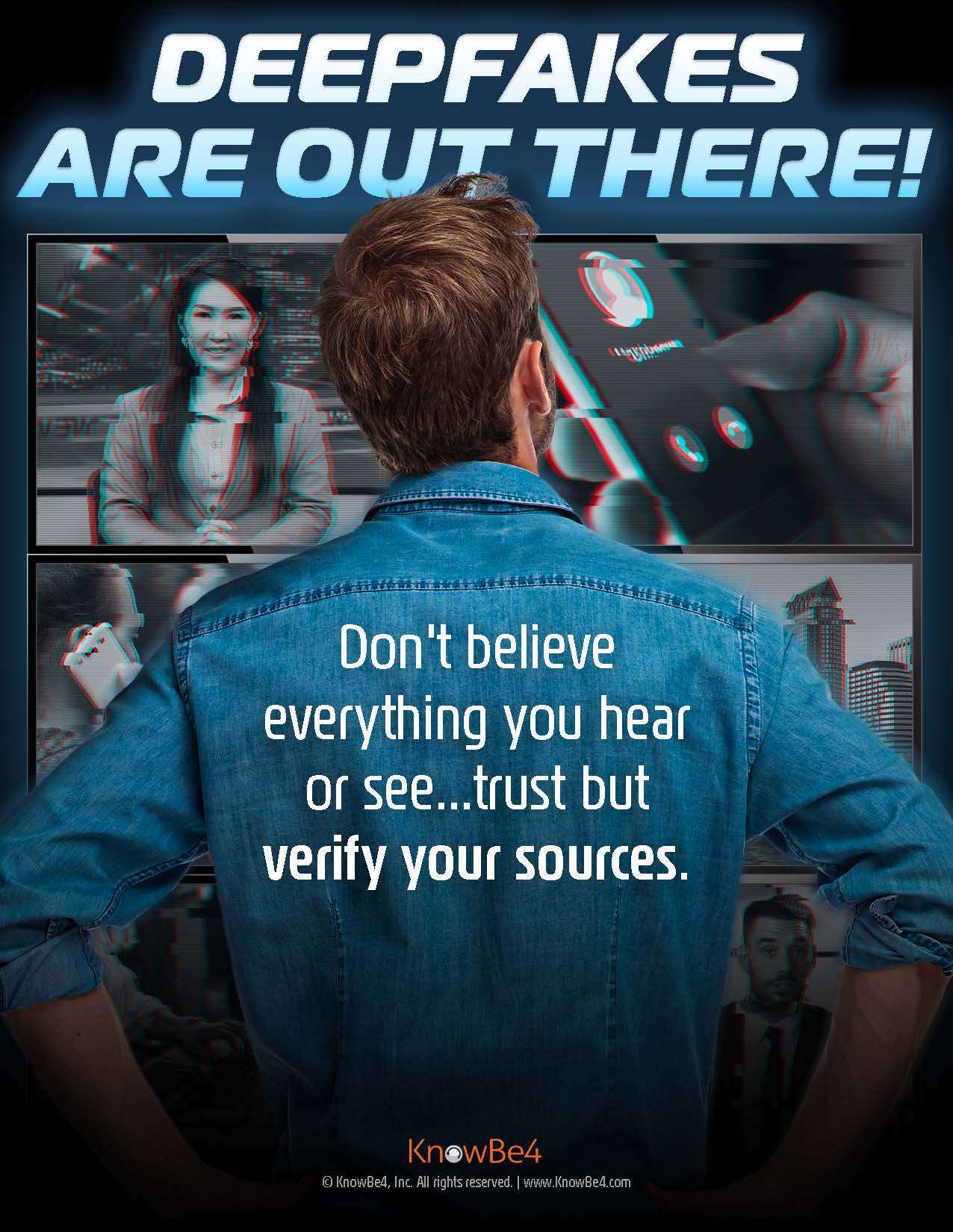
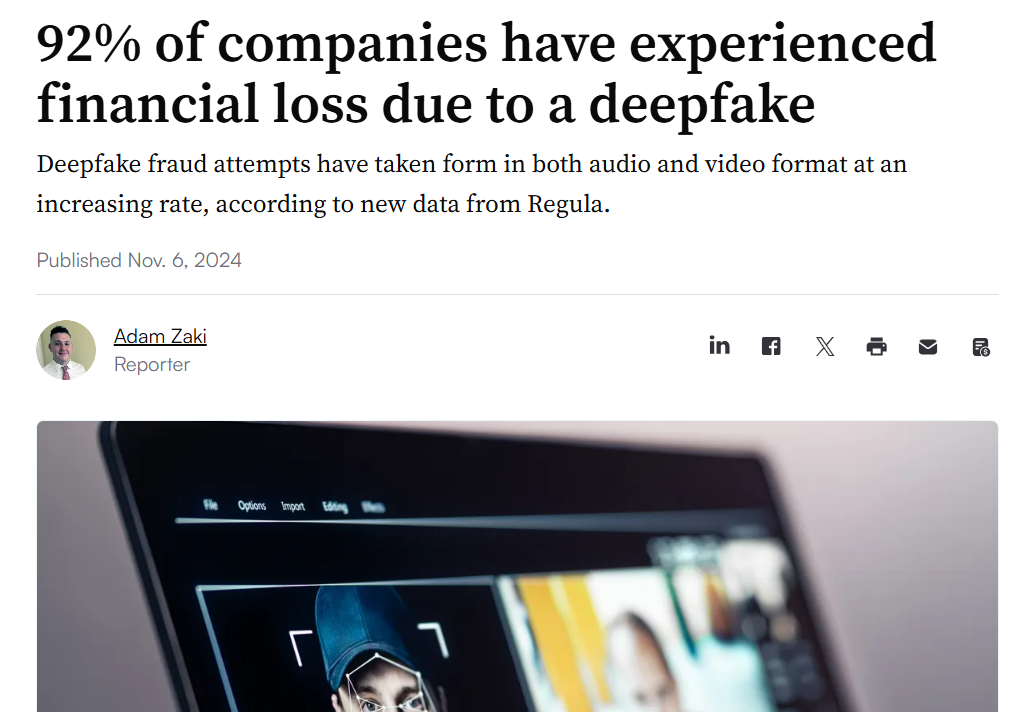
A--> strongAI passwordtools doesn’tcan havenow tocreate bedeepfakes. hardThese toare rememberfake videos, it just needs to be longimages, and unique.audio Combinethat alook fewand randomsound words to create something easy to recall but nearly impossible to guess, like:real.


--> cactus-rainbow-oceanFakes are being used in scams and misinformation, from fake “CEO voice” calls to forged news clips. They’re convincing, fast to make, and can be used to manipulate trust.


--> library-taco-galaxy
If something feels off - a strange tone, mismatched lighting, or odd lip-sync - pause before reacting or sharing.


Avoid personal info, and don’t reuse passwords across accounts.


Tip: The longer the phrase, the stronger the protection.

Check out Google's Password Tipsimage.png


image.pngDeepfakes-Poster_en-US.jpg


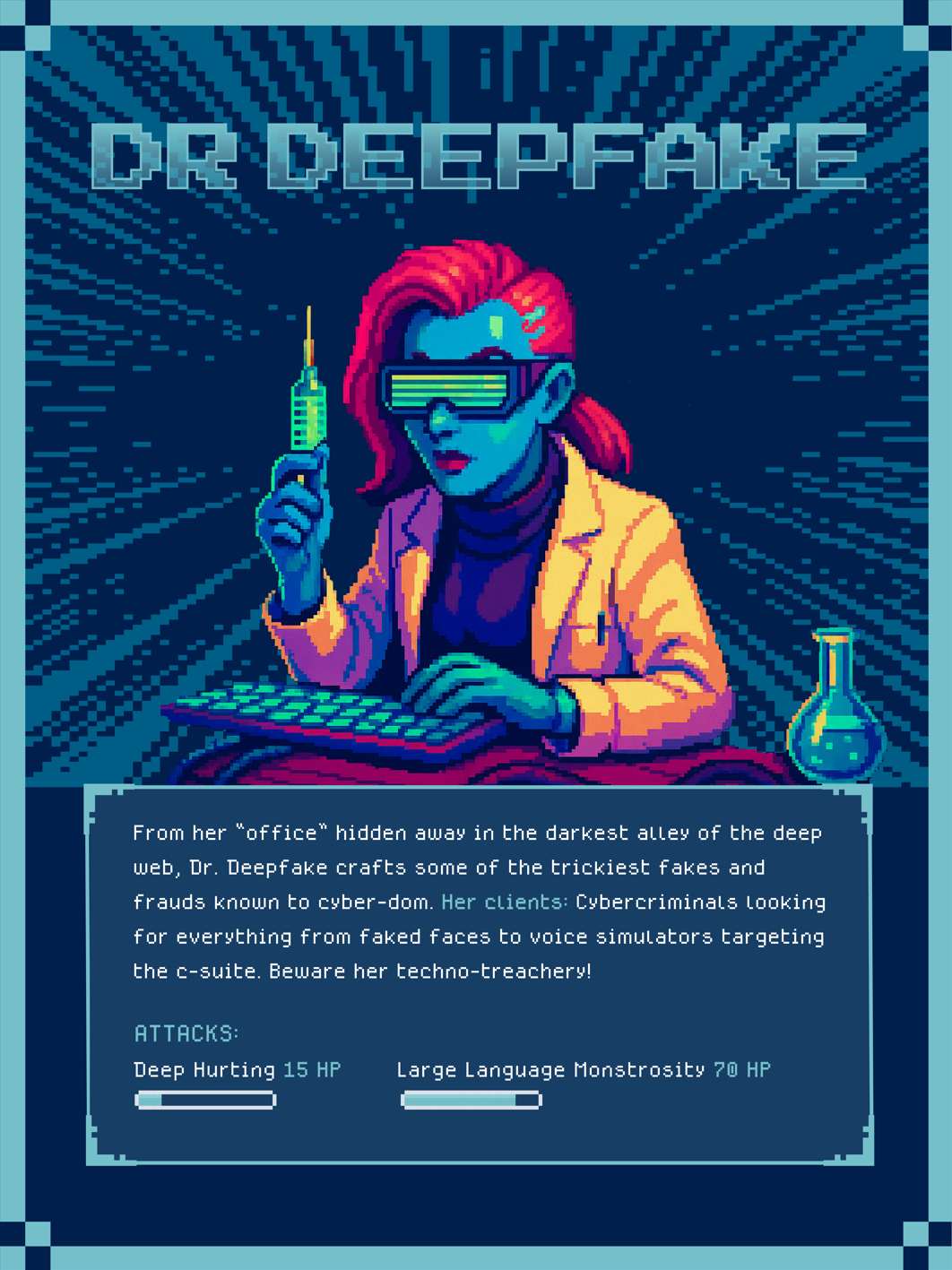
Meet

Dr. Deepfake — Master of Digital Deception

From the dark corners of the internet comes Dr. Deepfake, a cyber trickster who uses artificial intelligence to create fake videos, photos, and voices that look and sound real. Her tools can imitate anyone! Teachers, principals, celebrities, CEOs... no one is safe! She tricks people into believing what isn’t true.

Dr. Deepfake’s goal? To steal trust. She can make a video of someone saying things they never said or create a fake voicemail asking you to send money, reset a password, or share confidential information.


image.pngimage.png

END OF THE PASSWORD


How to Outsmart Dr. Deepfake

  • A👀 passkeyLook closely is— watch for unnatural blinking, lip-sync errors, or lighting that doesn’t match.


  • 🎧 Listen carefully — AI-generated voices can sound flat, robotic, or “off” in emotion.


  • ⚠️ Pause before you believe — if a secure,video passwordlessor waymessage tofeels signstrange, inconfirm toit Google.through official channels before acting.


  • Instead🧠 ofTrust typingyour a password, you use something you already haveinstinctslikeif yourit phone,seems fingerprint,too shocking or device PIN — to proveurgent, it’s reallyworth you.double-checking.


    Passkeys

  • protect against phishing and make sign-ins faster.
    You can set one up in your Google Account settings:


Create a Passkey for Google


image.png

thumb-a49d786c3702b02af052f7f4feecf8e2.png

Blaze King

Director of Information Technology

Email: bking@ulusd.org
Website: ulusd.org
Location: 750 Old Lucerne Road, Upper Lake, CA, USA
Phone: 707-275-9139