
Set up PIN sign-in
How to set up a Sign-in PIN for your Windows 10 laptop or Dell Board
-
Select Settings from the Start menu
-
Select Accounts in the Settings app
-
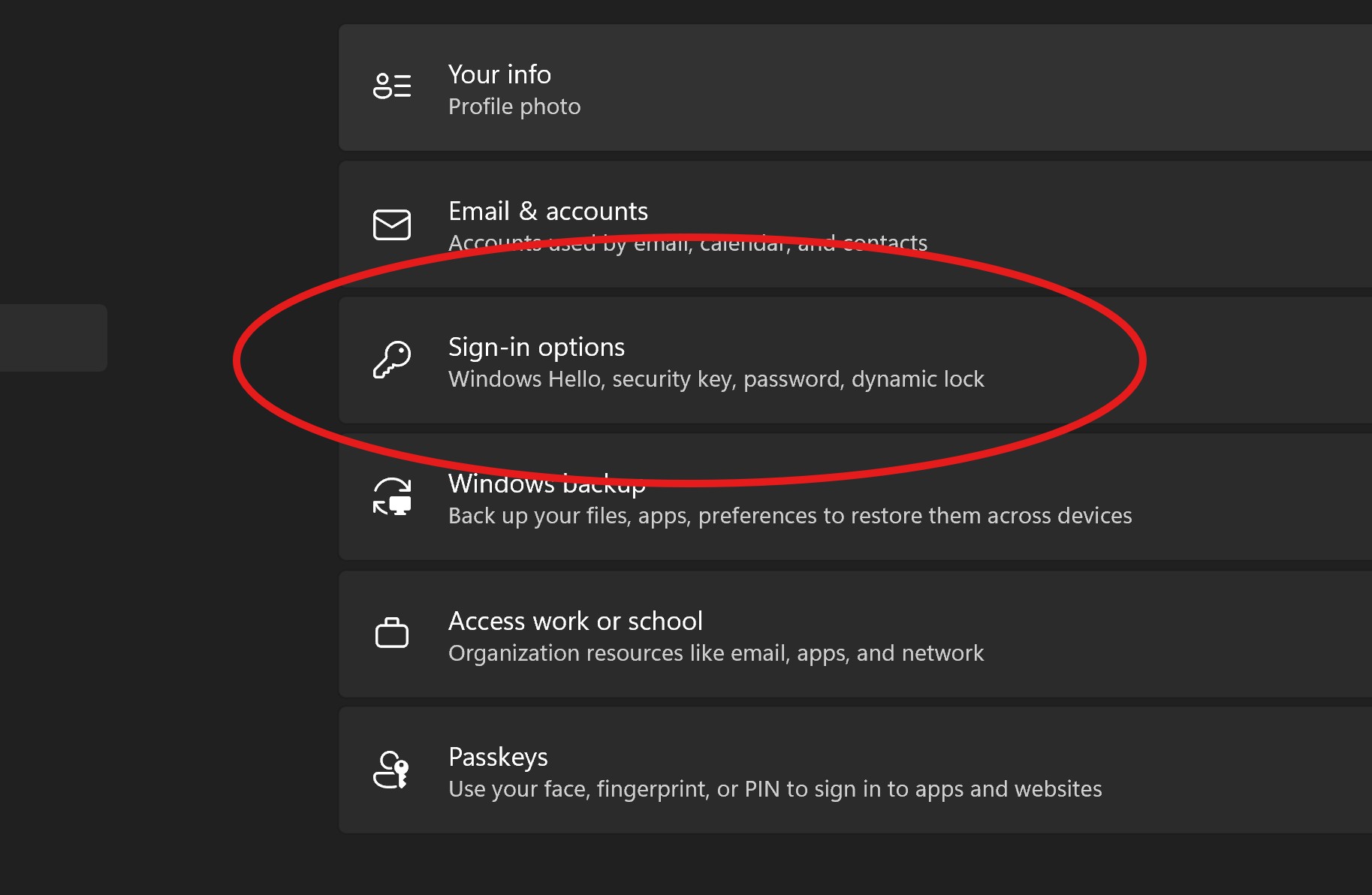
On the ACCOUNTS page, select Sign-in options from the options on the left

-
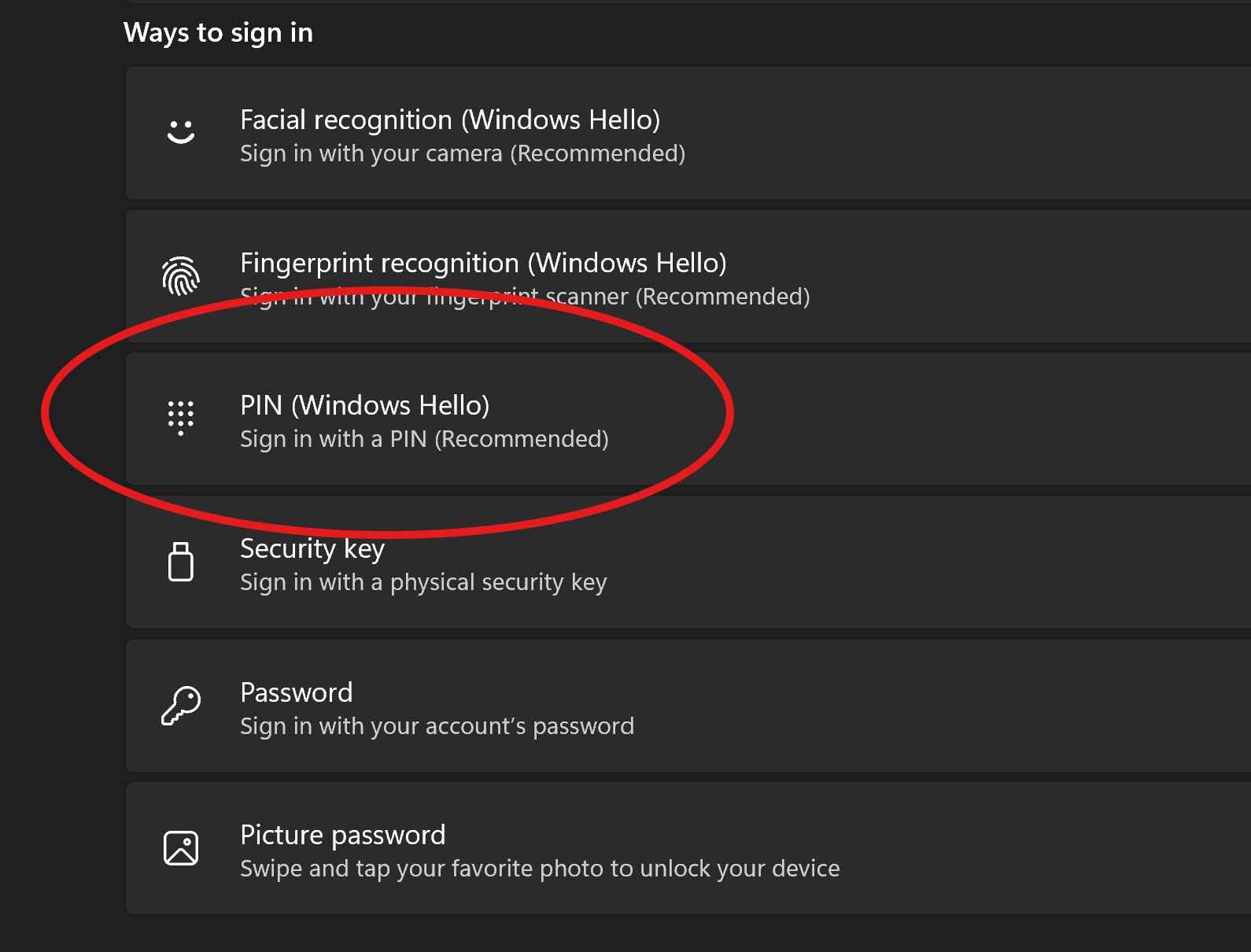
Click “Windows Hello PIN”, then click Add

-
Verify your Microsoft account password and click OK
-
Now enter a PIN for the device and click Finish
-
If you want to change the PIN at a later time, you can come back to the ACCOUNTS screen in the Settings app and click Change under PIN